WINDOWS Live Search

To contact me for any clarifications regarding any posts / information, please mail me at arijit [dot] basu [at] gmail [dot] com


Wednesday, May 5, 2010

TFS 2010 and Dynamics AX 2009 VCS

Recently the technology landscape is going rapid changes. New products/ releases like VS2010, SQL 2008 R2, Office 2010 Suite etc have changed the technology scenario a lot. All these have opened up tremendous opportunities for the developer as well as the customer. Its really an amazing time to be in technology :-). I was present for the India VS 2010 Launch and immediately dived in :-). One of my task was to evaluate TFS for our AX projects. As we had been using TFS 2008, it was an interesting R&D to see if this worked with TFS 2010.
Installation of TFS 2010 went of perfectly and I was able to configure a single server TFS 2010 environment. TFS 2010 comes with tons of great features and you can read it here.
TFS blog of bHarry

Well after creating the project in TFS 2010 I set out to configure it for AX 2009 but was greeted with an error as shown below.


On closer examination i saw that the assembly version was creating the issue. Version 9.0.0.0 was for TFS 2008 and AX was looking for that. So the next step was to see if TFS 2008 Team Explorer could be used to access TFS 2010. One interesting link I found helped me overcome that.
TFS 2008 Team Explorer to access TFS 2010

The steps to follow are:
1. Install & Configure TFS 2010
2. Install Team Explorer 2008
3. Install VS 2008 SP1
4. Install the Forward Compatibility patch (Visual Studio Team System 2008 Service Pack 1 Forward Compatibility Update for Team Foundation Server 2010
5. Open Team Explorer and Connect to TFS 2010


Now configure VCS inside AX 2009 SP1 as shown below and it should work fine.


Well it appears to work fine. AX 2009 SP1 does not support out of the box integration with TFS 2010 but this workaround helps you to work with TFS 2010 VCS. Microsoft may/may not release a fix/patch for AX 2009 but AX '6' should definitely support TFS 2010 out of the box. I have done some basic tests and they appear to work fine. However more detailed testes need to be carried.
The Dynamics SE team should put some update on this.
Happy DAX-ing :)

Thursday, April 15, 2010

Visual Studio 2010 Launch & Dynamics AX Perspective

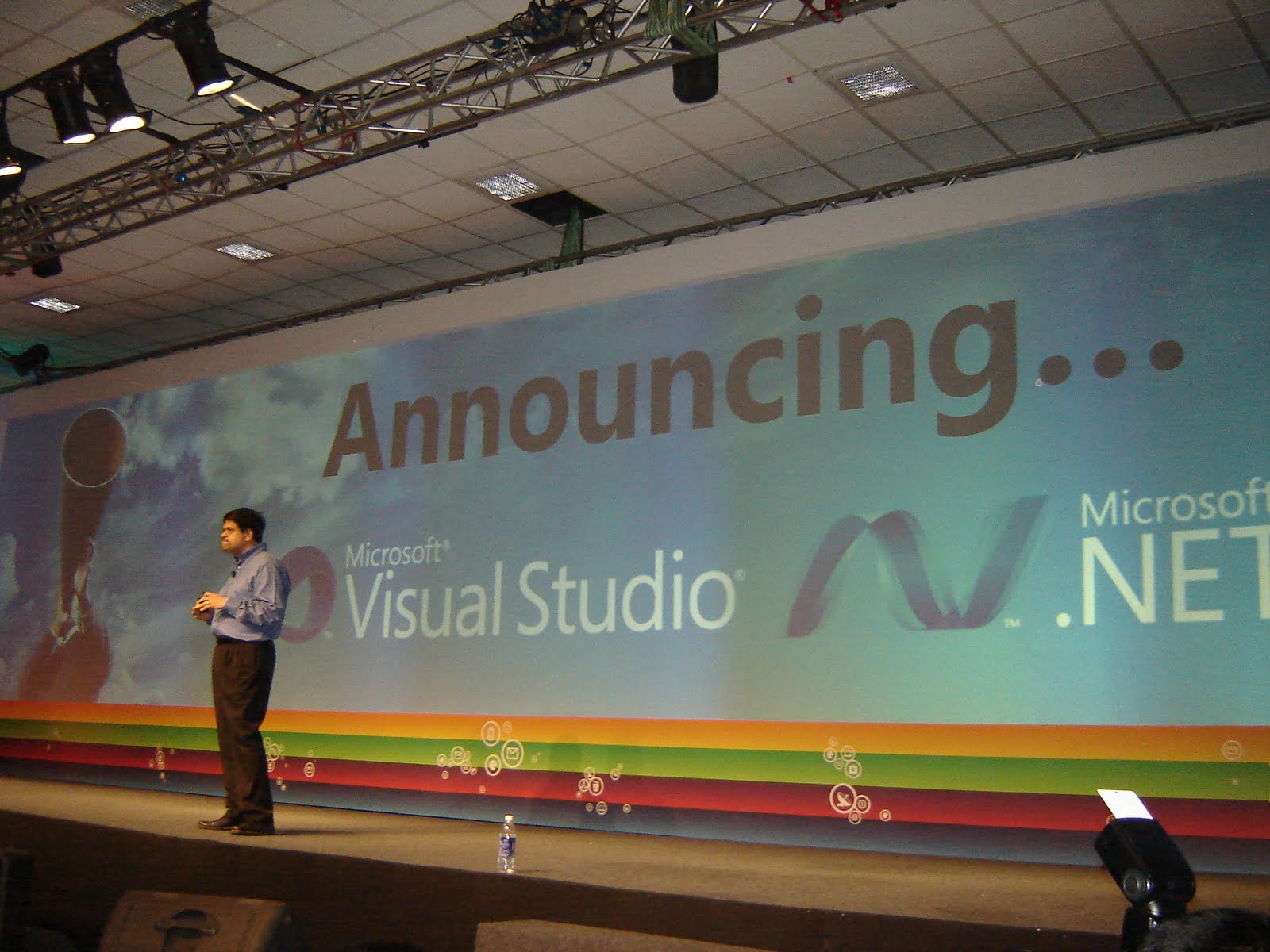
Well you all know Visual Studio 2010 RTM'ed on 12th April. I had attended the Launch event at TechEd 2010 Bangalore and the launch was done by Somasegar himself. It was a great event to attend :-). VS 2010 opens up new vistas for developers.


Well whats VS 2010 got to do with AX? Brandon posted a compatibility report on AX & VS 2010 . I thought I would wait for RTM :-). The Dynamics AX Sustained Engineering Team has completed the  compatibility tests for the new releases for .NET 4.0, VS 2010 & Office 2010.
Click here to learn more.
Looking forward to play with VS 2010 & AX 2009.

One good thing I got to see @ TechEd 2010 India was the Windows 7 phone :-). Awesome.


Happy DAX-ing :-)

Sunday, April 11, 2010

DynamicsWorld - 2010 Top 100 - Voting

Dynamicsworld started a  Microsoft Dynamics Top 100 Most Influential People List . The criteria include the number of years experience, MVP status, those that run blogs, forums and Dynamics based sites, and those with senior positions within organisations, as well as those that have created products and modules for Dynamics.
Click on the link below to vote:
2010 Nominations


Friday, April 9, 2010

AX Environment Information on UI - Simple & sweet tweak.

I've ofter observed that during implementations where there are multiple environments it becomes difficult to identify which environment a form belongs to especially when there are multiple forms open form different environments (Live, Test, Prod, Training etc). I made a very simple tweak which highlights which environment a form belongs to. Very similar to the AX 2008 Workflow band. This was successfully tested in AX 3.0, AX 4.0 and AX 2009. Its really very simple and effective. See screenshot below.


The XPO is attached below. This XPO is for AX 2009 SP1 and the SysSetupFormRun class was modified.


Happy DAX-ing

Wednesday, April 7, 2010

TechED India 2010

TechED India 2010 starts next week in Bangalore India. Lots of exciting events planned as well as release of VS 2010. This TechED will also feature a community track where MVP's will be taking sessions on latest technologies. I'll be taking a session on Dynamics AX . Drop in in case you want to know more about the power of Dynamics AX 2009 and how businesses can derive value.
The session list is:
http://www.microsoftteched.in/community_track.aspx


Saturday, March 20, 2010

AX Tools Blog

The Developer & Partner tools group of Microsoft Dynamics AX has published a new blog. This blog will give you the roadmap for the current & future productivity & development tools for Dynamics AX. Keep watching this blog for more updates on the future of AX for Developers :-)


Happy DAX-ing

Sunday, March 14, 2010

Company Profile, Social networking inside Dynamics AX 2009


I was working on an AX CRM implementation where the need for social networking & company profiling came. Requirement was that BD people should have access to social networking information, stock informations for applicable Business relations which would help them do a profiling of the BR. With the widespread use of social networking like twitter, linkedIn etc, some feature need to be inside AX. Well I like such challenges and did a small POC to show stock information inside AX. Integration to LinkedIn is in WIP :-).
I added a flag in BR for the BR the sales people wanted to track.


Then I built a small and simple form to show the flagged BR. The user would have to add the ticker symbol (careful as these are case sensitive) and then can view stock information for the BR . I've used Yahoo Financials for the charts and can be used to see for multiple duration as shown.


The integration to LinkedIn is in WIP and will try to complete that when I get some time :-(. I've also added a small video and have uploaded the XPO. This was done in AX 2009 SP1 Vanilla. I've modified the smmBusRelTable so take care to import the XPO. It would be great if we could have such information inside Dynamics AX :-)
The Video is here.


The XPO and the video is also uploaded in SkyDrive . You need to have internet connection to make this work.


Happy DAX-ing :-)

New Dynamics AX Spanish Site

My friend Antonio Gilabert Plaza started his new Dynamics AX site. This site is entirely in Spanish. Do drop in. Another site added to the growing DAX community :-)


Happy DAX-ing

Friday, March 12, 2010

ERP Implementation Strategies – A Guide to ERP Implementation Methodology

When implementing an ERP, one important decision which needs to be made is on the implementation rollout strategy. Will it be Big Bang, Phased, Agile etc. A lot depends on this strategy.
Big bang - Implementation happens in a single instance. All users move to the new system on a given date.
Phased rollout - Changeover occurs in phases over an extended period of time. Users move onto new system in a series of steps.
Parallel adoption - Both the legacy and new ERP system run at the same time. Users learn the new system while working on the old.

www.softwareadvice.com is currently running a survey regarding these strategies. Please click on the link below to take the survey.


Happy DAX-ing

Tuesday, March 9, 2010

Dynamics AX 2009 Bulk Data insert using SSIS

Recently I was working on a POC which required me to insert 1,00,000 records into AX 2009 from an external LOB application and post these lines in AX. Well that got me thinking since it was a huge amount of import. .NET BC would be very slow, excel import would not be feasible. Direct SQL inserts seemed to be the feasible solution but I had to deal with RecId, RecVersionId & Company. Well after much R&D I hit upon using SSIS and some custom scripts to get the data inside AX. My test environment was:

Environment: WIN 2008 Enterprise 32 Bit, 4 GB RAM, MSSQL 2008 Developer SP1, AX 2009 SP1.

Test Dataset: 1,00,000 records into a table in a separate database in SQL 2008.

Objective: Insert these records in AX 2009.

Results: Inserted 1,00,000 records inside AX 2009 in 13.6 seconds (along with RecId, RecVersionId & DataAreaId). Used SSIS to bulk insert the records.

So how I went forward??

1. Created a sample database & sample table and populated with demo data.

The script for sample table create is as follows.

USE [Database]

GO
SET ANSI_NULLS ON

GO
SET QUOTED_IDENTIFIER ON

GO
CREATE TABLE [dbo].[tbl_PortalTrans]( [TransactionId] [nvarchar](20) NOT NULL, [TransactionReference] [nvarchar](30) NULL, [TransactionAmount] [numeric](28, 13) NULL) ON [PRIMARY]
GO

The script for sample data in the above table is as follows.

declare @counter int

set @counter = 0

while @counter <>

begin

set @counter = @counter + 1

insert into tbl_PortalTrans values ('TRID-'+cast(@counter as char),'Transaction Ref : ' + cast(@counter as char),

1000)

end

SSIS005

2. Created a sample target table & form in AX 2009.

This would be the ultimate target of these 1,00,000 records from the source table. The source xpo is attached in the download url.

SSIS003

3. Created a SSIS package to extract, transform & load data in AX 2009.

This was the meat of the application. I creates a SSIS package which reads the source tables, uses a few transformations to add extra columns to the data, use the custom script to generate the recid’s on the fly and finally push it inside AX 2009. I have also uploaded the VS 2008 SSIS package.

SSIS Control Flow objects.

SSIS001

SSIS Data Flow objects.

SSIS002

I’m also attaching a video on how this works :-)


The source files are present below at Sky drive. In case you want to use the package, you need to have a good understanding about SSIS 2008 in order to modify the package. To use it, please modify the package. The upload also contains the AX 2009 XPO files and scripts for creating the Source Table & demo data. The files also contain a detailed video.

Happy DAX-ing :)